

A custom CRM development company that also tells you when not to build one

If HubSpot or Pipedrive fits, we tell you. If your business keeps fighting the tool, we build the CRM or back office around how you really sell, and move your spreadsheets into it.

Book a free callFree proposal and demo within 72 h

Kaishift is a custom CRM development company, and the first thing we check on the call is whether you need one at all. Plenty of small businesses are better served by HubSpot, Pipedrive or Odoo, set up properly. When the tool keeps forcing your process into the wrong shape, we build the CRM or the back office around how you actually sell, on accounts in your name, and we migrate the spreadsheets it replaces.

Custom CRM development is building a customer relationship system around one company's own records, stages and permissions, instead of renting a generic one. It covers the data model, the screens each person works in, the connections to mail, WhatsApp and accounting, and the migration of existing data. The client owns the code, the database and every key.

Custom CRM

what it does for you

  • Built around your records

    Properties, bookings, owners, files: the things your team actually tracks, not a generic contact list.

  • Connected to the tools you use

    Email, WhatsApp, forms and accounting feed the CRM, so nobody re-types a lead.

  • AI that asks before it acts

    Leads sorted with the reason shown, follow-ups drafted and left for a person to approve.

  • Your case is different?

    Tell us in 30 minutes. Within 72 hours you get a written proposal and a free demo on your case.

    Book a free call

Our work

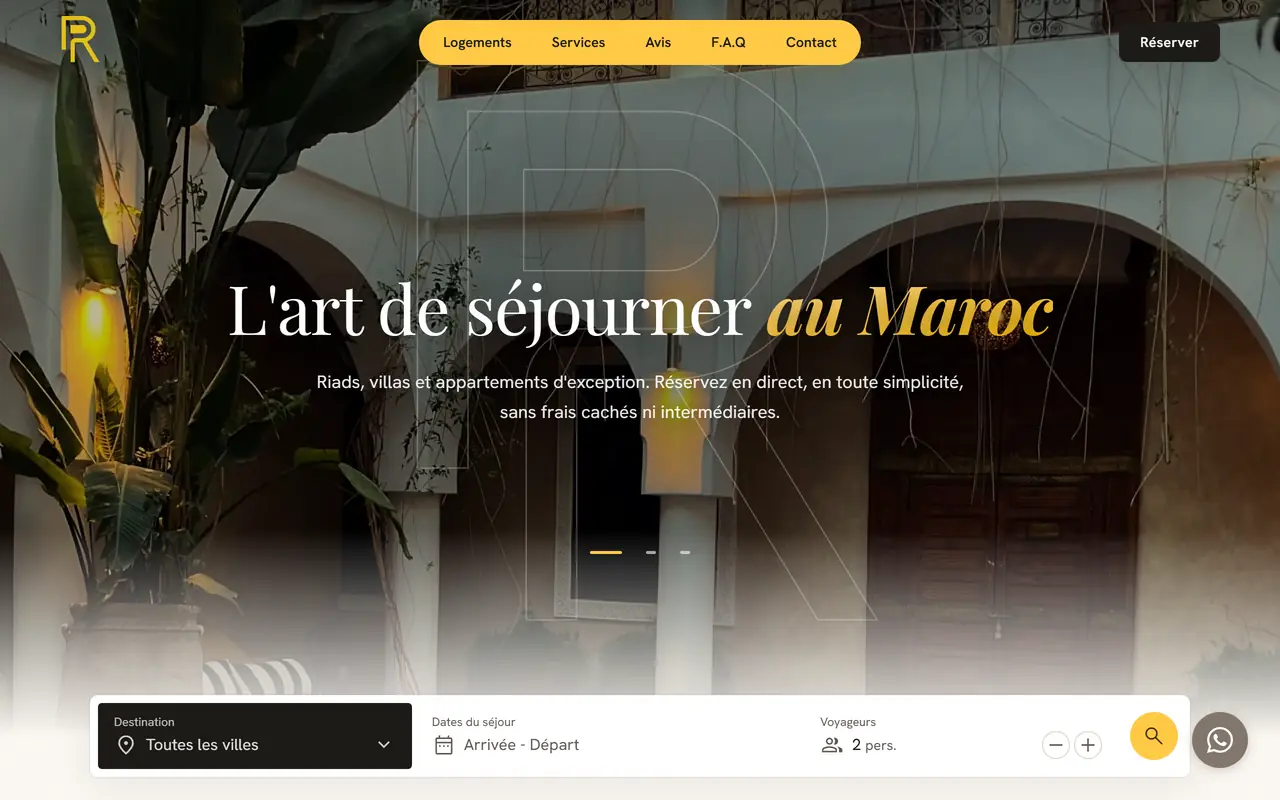
a few things we built

All our work

Testimonials

what our clients say, for real

  • Reda Bennani KhirConciergElite
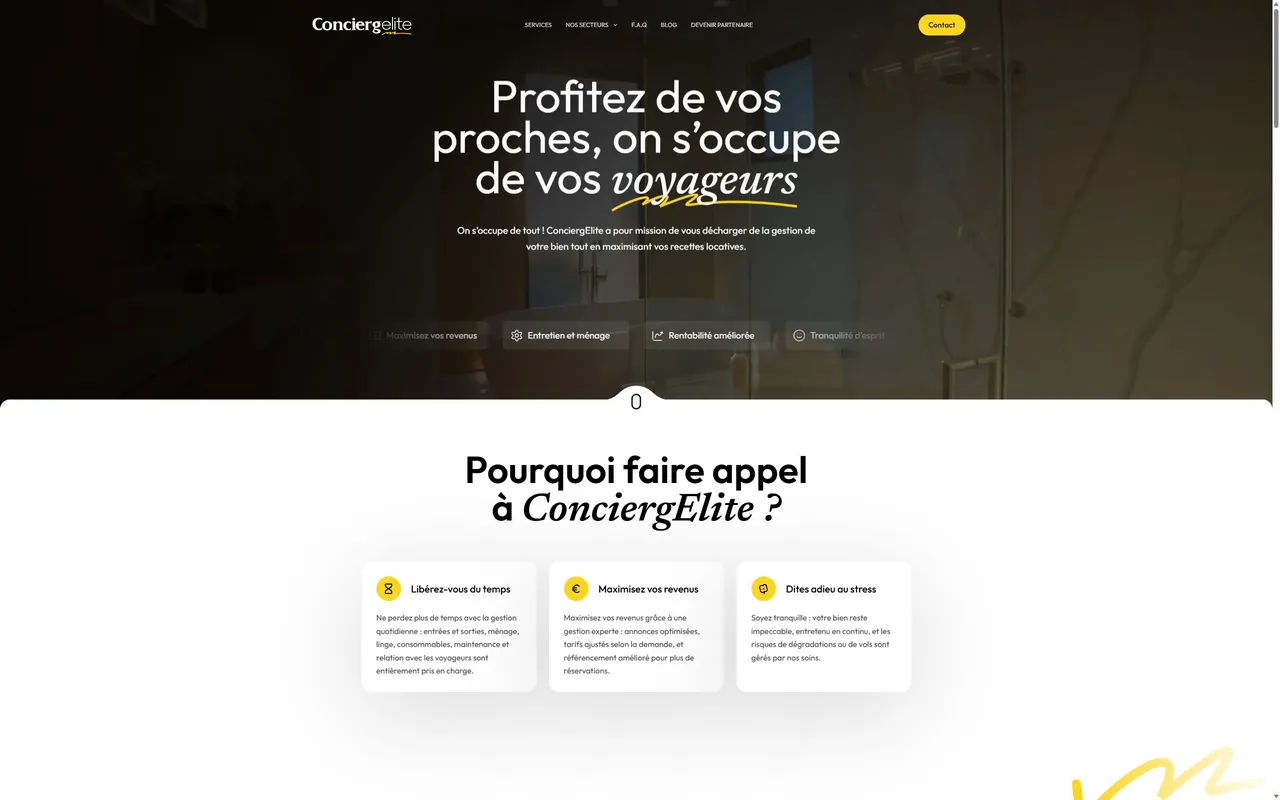
    « With Kaishift, we have a site, internal tools and a back office that keep up with the network's growth, in Morocco and in France. »
    ConciergEliteSee the project

Translated from French. Each quote was approved in writing by the client.

Questions

Common questions

When is a custom CRM better than HubSpot or Pipedrive?

When the tool gets your core record, your users or your channels wrong. Typical signs: your customer has two sides (owners and guests, sellers and buyers), the record that matters is a property rather than a contact, half your team needs one screen and pays for a full seat, or leads live in WhatsApp. If you cannot name one of these, an off-the-shelf CRM is the better buy.

Can you build on top of our existing CRM instead of replacing it?

Yes, and it is often the right call. We keep HubSpot, Pipedrive, Salesforce or Odoo as the system of record and build the missing piece on its API: an owner portal, a field app, a triage step, a report. The risk to weigh is the vendor's API limits and pricing, which you do not control. We put that in writing before you choose.

Who owns the CRM, the code and the data?

You do, from the first commit. The CRM runs in your cloud account, the code sits in your repository and the API keys carry your name. Hosting and model usage are billed to your accounts at cost. If you stop working with us, nothing breaks and nothing has to be handed back, because nothing important was ever on our side.

Will the AI send messages to our clients on its own?

Not by default. AI in the CRM sorts incoming leads and drafts follow-ups, and every draft waits in a person's queue for approval. Each classification shows its reason next to the original message, and every AI action is logged on the record. You can lift the approval step later for specific cases, once the drafts have proven themselves on your own leads.

Can you migrate our data from Excel or Google Sheets?

Yes. We collect every source, including the copies on personal laptops, map each column to the new model, clean and deduplicate in a copy, and import into a staging CRM your team checks before go-live. The spreadsheet goes read-only during a short overlap, and the original files stay untouched in your storage. The migration script stays in your repository.

How much does a custom CRM cost?

There is no package price, because cost follows scope: the number of record types, roles and integrations, and above all the state of your data. After a free 30-minute call, you receive a written proposal within 72 hours, with a free demo on one of your real tasks and no commitment. Starting narrow, with one team and one pipeline, keeps the first version small.

Another question? Write to us, we answer the same day.

Send us your question
Read the full details

Do you need a custom CRM, or will HubSpot do?

Most of the time HubSpot or Pipedrive will do, and we will tell you so. An off-the-shelf CRM wins when your sale is a straight line (lead, call, quote, signature) and the people using it are salespeople. You get a mobile app, email sync and years of edge cases already handled, for a monthly fee.

In small businesses, it stops fitting when:

  • Your customer has two sides. A rental management company sells management contracts to property owners and serves the guests who book. A real estate network signs a mandate with a seller and works a buyer on the same property. Generic CRMs expect one buyer per deal. You end up with two pipelines, duplicate contacts, and a property that lives in neither.
  • The record that matters is not a contact. In real estate it is the property: the owner, the mandate, the visits, the offers and the notary date all hang off it. In short-term rental it is the unit and its calendar. Bending "deals" to mean "apartments" works for about a month.
  • Half the team does not sell. Cleaners, field agents, advisors and franchise partners each need one screen and nothing else. On per-seat pricing every one of them is a licence, and the full CRM interface is the wrong tool for them anyway.
  • The work happens on WhatsApp. If leads arrive and get negotiated in WhatsApp threads, a CRM that only syncs email becomes a database nobody updates.

If none of this sounds like you, buy. If one does, look at the middle route before building.

Buy, build or extend: which one fits your case?

Extending is often the right one: keep HubSpot, Pipedrive, Salesforce or Odoo as the system of record, and build only the missing piece on top of its API.

Buy (HubSpot, Pipedrive, Salesforce, Odoo)Extend (keep your CRM, build around it)Build (custom CRM or back office)
Choose it whenYour process matches the tool's default pipelineThe CRM works for sales, but one workflow or one audience is missingThe core record, the permissions or the channels fit no tool
Typical exampleA consulting firm with a classic B2B pipelineAn owner portal or a field-agent app that reads and writes to your existing CRMA concierge network tracking owners, properties, contracts and guests in one place
First useDaysWeeksWeeks for a first version, then monthly iterations
What the running cost followsSeats and plan tierCRM seats, plus hosting for the extensionHosting and model usage, billed to your accounts
Main riskPaying for a tool the team works aroundThe vendor changes its API limits or its pricingBuilding something the team does not adopt

Our decision rule is plain: if you cannot name the record, the stage or the user that the off-the-shelf tool gets wrong, you do not need a custom build yet. Odoo is open source and covers accounting, stock and CRM in one place, but heavily customised modules have to be ported at each major version, so "customise Odoo" is closer to "build" than it looks on the quote.

What does a custom CRM development company actually build?

A system your team opens every morning, not a database with a login screen. A build contains:

  • The data model, written down. Which records exist (contact, owner, property, deal, booking, advisor), how they link, and who may see what.
  • The screens each role works in. A pipeline for sales, a short task list for field staff, a dashboard for the manager, a portal for owners or partners if they need one.
  • The automations that end re-typing. A website form fills the CRM, a signed quote creates the next task, a stalled lead reminds its owner.

Custom back office development is the same work facing inward: the admin side where you manage users, listings, bookings, invoices and support. Hostguide is a product we built for short-term rental managers, with iCal sync, cleaning planning, incident tracking, reports and invoicing in one place. Its public site names Airbnb, Booking.com, Abritel, Lodgify and Beds24 as the tools it works with. See the Hostguide case.

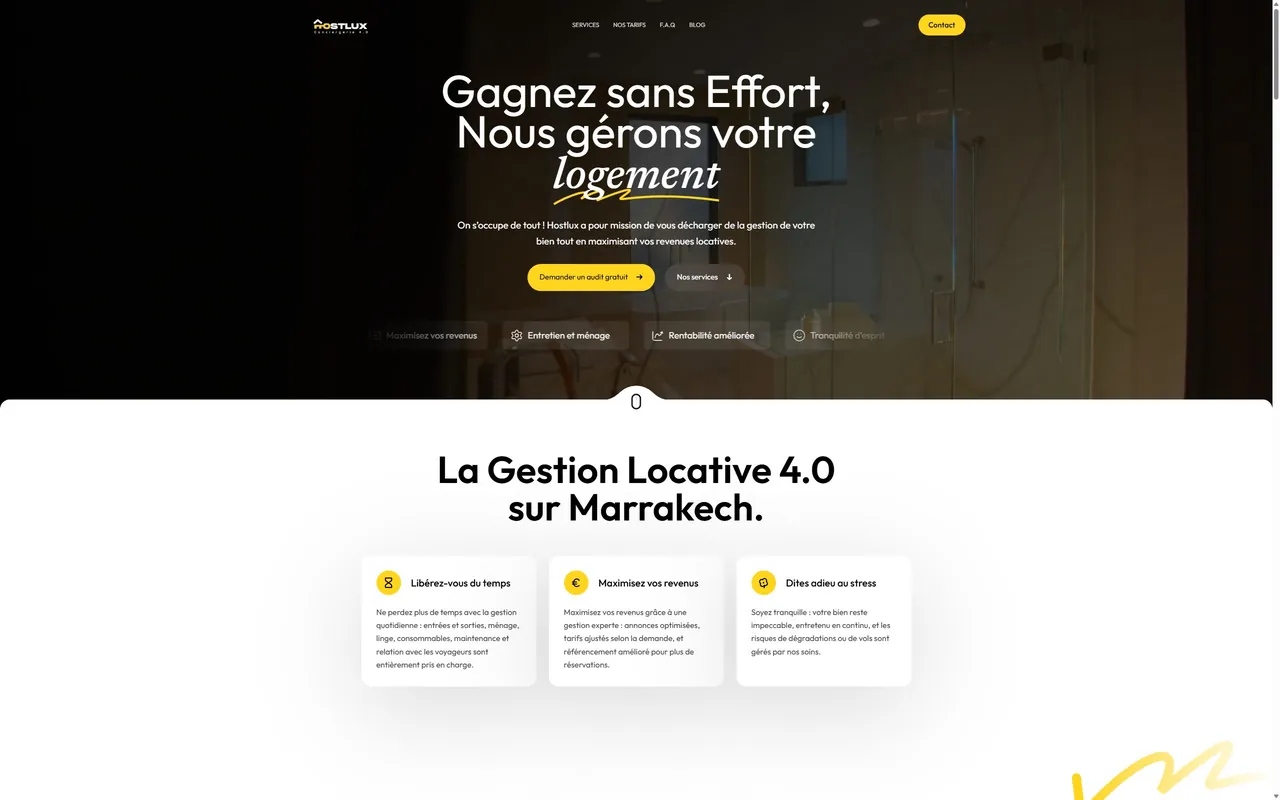
For one hospitality holding, ConciergElite and Hostlux (an Airbnb concierge franchise across Morocco and France, and a rental manager in Marrakech, Agadir and Tangier), most of our work sat behind the websites: CRMs, a sales AI, blog automation and the internal systems that keep a growing partner network running. The details are in the ConciergElite case.

Real estate is where the generic model breaks first. When we built Saafka's site, the sell journey had three steps: estimate, sign the mandate, then compromise and notary signature, with one advisor from first call to signature. A property CRM has to track those stages per property, not per contact. If you are comparing a real estate CRM development company with a ready-made property CRM, ask both how they handle one property with a seller, three interested buyers and two advisors at once. More in real estate and hospitality.

How does AI work inside the CRM?

AI inside a CRM does two jobs well: sorting what comes in and drafting what goes out. It decides nothing irreversible on its own.

Lead triage. A message arrives on WhatsApp, by email or through a form. The model reads it in French, Arabic, English or Spanish and fills the fields: who this is (owner, guest, buyer, partner candidate), what they want, which city, how urgent. It routes the lead to the right person and flags what it cannot classify instead of guessing.

Follow-up drafts left for approval. When a lead goes quiet, the CRM drafts the follow-up from the conversation history and puts it in the owner's queue. A person reads it, edits it and sends it. Nothing reaches a client without a click from your team, until you have watched the drafts long enough to decide otherwise.

The failure mode to plan for is a confident wrong classification. That is why triage always shows its reason and the original message side by side, and why every AI action is logged on the record. When the AI has to act across several systems rather than inside one record, that becomes an AI agent build, scoped and logged the same way.

How do you migrate from spreadsheets without losing data?

Migration is where custom CRM projects quietly fail: the code works, but the data that lands in it is wrong, so the team drifts back to the spreadsheet. Our process:

  1. Collect every source. The main spreadsheet, the copies people keep on their own laptops, WhatsApp exports, the old CRM's CSV. We ask who edits each one, and why.
  2. Map columns to the new model, meaning first. A "Status" column usually holds several different facts. We write down what each value means before a single row moves.
  3. Clean and deduplicate in a copy. Phone numbers normalised, the same owner under two spellings merged, empty rows dropped. You review the list of merges before anything is final.
  4. Import into a staging copy of the CRM. Your team checks twenty records they know by heart. If those are wrong, the rest are too.
  5. Run both side by side for a short period, with the spreadsheet switched to read-only so nobody keeps updating it.
  6. Switch over and archive. The original files stay untouched in your own storage. We never delete your history.

The migration script stays in your repository, so the import can run again if a forgotten source turns up a month later.

Will it connect to the tools you already use?

Yes, and it runs on your accounts: your cloud, your database, your repository, API keys in your name from the first commit. The usual connections are Gmail or Outlook, WhatsApp Business, your calendar, your accounting software, payment providers, website forms and, in hospitality, the channel manager or the iCal feeds from Airbnb and Booking.com.

One thing we refuse to do: turn the CRM into your accounting software. Invoices stay in the tool your accountant already trusts, and the CRM reads their status from it. Anything else that already works, we connect rather than rebuild, often with workflow automation instead of new code. Why we insist on your accounts is set out in own your automation stack.

What drives the cost of CRM development for small business?

Scope, not a package. We price each project after the consultation. What moves the price:

  • the number of record types and how they link;
  • how many roles need their own screens and permissions;
  • the integrations, and whether those tools have clean APIs;
  • the state of your data, since a messy migration can cost more than the screens around it;
  • whether AI triage and drafting belong in the first version or come later.

The cheapest custom CRM is a narrow one: one team, one pipeline, one migration, shipped first and widened after.

Who should not build a custom CRM?

Building is a poor fit whenWhat we would suggest instead
Your sales process still changes every monthUse Pipedrive or HubSpot until it settles, then look again
Nobody on your side will own the system after launchAn off-the-shelf tool with the vendor's support
You want one because a competitor has oneWrite down the record or stage your current tool gets wrong. If you cannot, keep the tool
Your team does not log activity in any tool todayFix the habit first. A new CRM will not fix it for you
You need every feature live next weekBuy now, extend later

We would rather lose the project than build a CRM that sits empty six months after launch.

How to start

A free 30-minute call with Amine Lamfichekh, our CTO. Bring your spreadsheet, or a screenshot of the CRM you are fighting with. Within 72 hours you receive a written proposal and a free demo running on one of your real tasks, often your own recent leads sorted by a first version of the triage. No commitment. Book the call.

Contact

let's talk about your project

  • Where we areMorocco, working worldwide
  • Writehello@kaishift.com
  • LanguagesFrench, Arabic, English
Prefer a call? Book 30 minutes

Write to usWe answer the same working day.